Cycle millyuGO, PAM, Roughing/Reworking, Facing Roughing, Pocket - Shape, Facing - Shape, Flat face finish, Finish contour, Finish reworking - Shape, Finishing
Definition
GO2cam의 제한 영역 매개변수는 가공 사이클이 공작물에 설정된 제한 영역과 상호 작용하는 방식을 정의합니다. 각 모드가 공구 경로를 다르게 제어하면서 네 가지 모드로 적용할 수 있습니다.

|
On |
Enables the machining cycle to extend Direct 한계 영역, 경계에서 정확히 멈추는 공구 경로와 함께. 보라색으로 강조 표시된 그림 공구 경로는 경계까지입니다. |
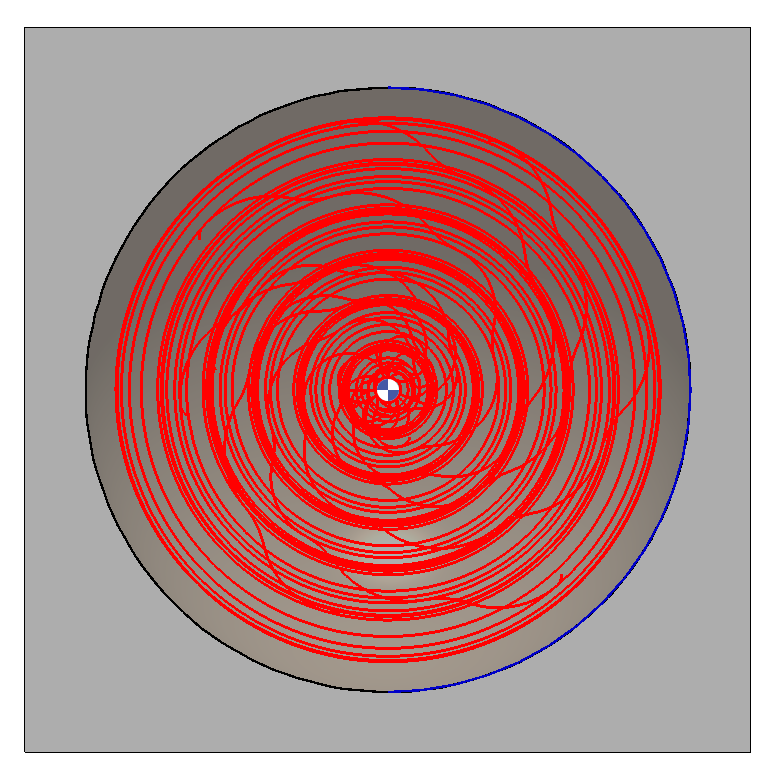
|

|
내부 |
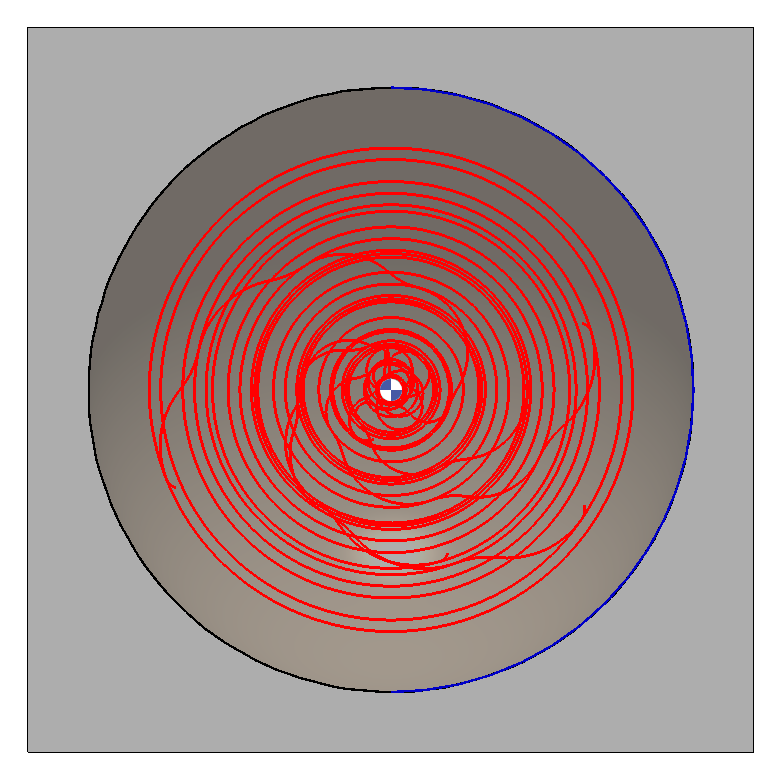
Enables the machining cycle to remain 내부 the Limitation Area, stopping before the boundary to avoid contact with the edge. 그림에 표시된 공구 경로는 보라색으로 강조 표시되며 경계 내로 제한됩니다. |
|

|
라인 |
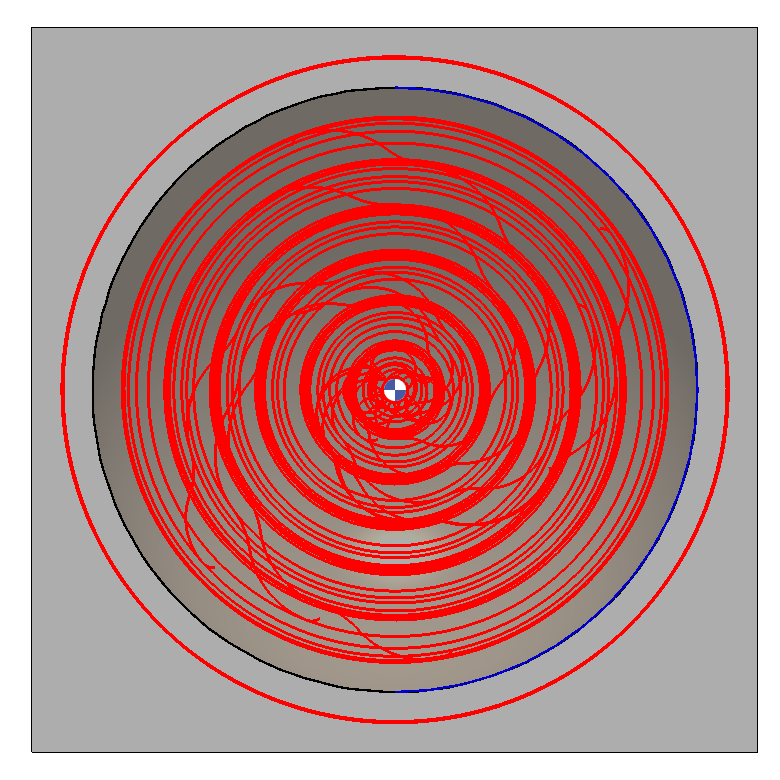
Enables the machining cycle to extend beyond 한계 영역, 가공하는 동안 경계선 바깥쪽에 공구경로를 배치하여 경계선 자체를 절단하지 않습니다. Notice that the illustrated Toolpath, highlighted in purple, extend beyond the boundary. |
|

|
Offset |
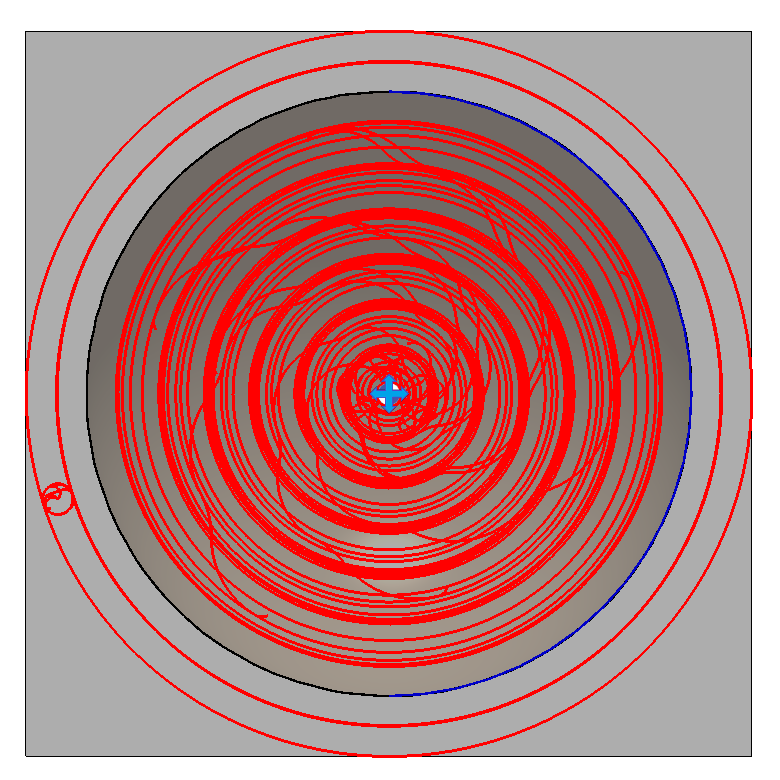
가공 사이클이 한계 영역에 상대적인 거리를 따르도록 합니다. 사용자는 고도 입력 a value: zero places the toolpath on the 한계 영역, a positive value shifts it outside as in 라인 , 그리고 음수 값은 안쪽으로 이동합니다. 내부 . 보라색으로 강조 표시된 Toolpath는 임의의 거리만큼 경계를 넘어 확장되지만, 그에 따라 조정할 수도 있습니다. |
|